Even though I've spent the last year with the Line 6 Helix, and more recently the HX Stomp, I've always felt that my ears were bad and my tweaking abilities were mediocre. Recent feedback from fellow Helix musicians have been encouraging, so I'm taking the leap of faith to release patches for your download and usage!
I've been fumbling about wiring things up on my Helix as I usually play this on a dark stage. I usually need to lean over and peek at where I need to connect cables, and I've had enough of it! Fortunately, I have a label maker, and it doesn't look too bad from afar.
If you're looking to have a convincing amp tone through the front-of-house without using a physical amp, a preamp pedal by itself isn't going to be sufficient. In this latest video, I outline the process of going ampless with the Joyo British Sound, augmented by an EP Booster and an EQ section with the Line 6 M5.
I did a series of two videos to present the pros and cons of the Line 6 Helix versus an analog pedalboard. I love all gear, and believe that there can be a time and place for their use. I hope these bless you!
The short answer: most definitely. There's only one time a direct signal from the guitar into the board is acceptable, and that's to record a pure clean signal from the guitar. Jeff Baxter very famously recorded pure clean tracks for sessions when a clean guitar was required. Just check out what he says about equipment in the following video:
Here's a simple riff I recorded back-to-back, the first without speaker emulation, and the second with a 4x12" cab emulation from my Korg Pandora:
The distortion has peaks and spikes that are just ear-piercingly intolerable, doesn't it? Hence, a speaker emulation achieves its effect by mostly rolling off treble content.
This post begins with a story. I've owned the Strymon "Trinity" (the nickname given to the collection of Mobius, TimeLine and BigSky pedals). While I had some limited control with the DMC-3XL, I was clearly in need of a solution to the problem I had with having so many pedals to switch, in addition to the patches I wanted to control on the Strymon devices. I had my heart set on getting the DPC-8EZ and DMC-8D, their two largest controllers that were designed to perfectly complement one another.
So enter the good people at The G.A.S. Station, a local company I chanced upon while searching on ways to bring in Disaster Area gear. I got in touch with Bertram, the proprietor, and we began the creative process of figuring out my rig needs. I placed an order for three things: the two controllers, and 3 packs of Disaster Plugs, the patch cables needed to wire the DPC-8EZ up. The excitement in me was palpable; I haven't had GAS in a very long time! This was in late November.
Bertram was very kind to keep me up to date with messages regarding payment and shipping. He sent me the shipment tracking number and this transpired:
I had hoped the shipment would arrive in December so I would have had time to put together the rig for Christmas services. But look at the date of the picture above. I took the screen shot in late January. The shipment was in transit from Germany for two whole months. There was no use getting angry over the situation; international shipments go awry all the time, and I was simply the one guy in a thousand cases to lose something.
My heart did sink at the prospect of having wasted a chunk of my paycheck--Disaster Area gear doesn't come cheap! So I talked to Bertram, and every effort was made on his part to contact Disaster Area, USPS, SingPost and even Singapore Customs. By early February, we had established that the shipment was indeed lost, but Disaster Area was very kind to build a replacement set for me. Yes, a replacement! Bertram, of course, never disappointed in his timely messages and open communication.
This time, the shipment came really quick. I got my hands on the pedals that I had been waiting three months for:
I would have thought that I'd need a lot of time to get the complete system up and running, but to my pleasant surprise, Disaster Area gear is so intuitive and easy to set up that I was programming patches in no time!
Of course, not all setups with new gear is without problems and learning curves. Here are some things I wish I could have done better:
I don't have proper wire cutters, so I used a large pair of scissors to cut the Disaster Plug cable. I think this may have contributed to the reason I wasn't getting signal in some of the patch cables I made, and I had to recut some patch cables several times to get proper signal.
I don't have a proper cable tester. My cable testing method was plugging the patch cable from guitar to amp. If the signal was strong and noise-free, I had a good cable. If there was no signal, I had to either tighten the ground plug or recut the cable. I would have saved a lot of time if I had a cable tester.
I don't have right-angled, low profile MIDI cables, so there was some pedal real estate wastage, as you'll see in my final setup below. Anyone know where to get right-angled MIDI cables locally?
Here's a quick video I did to show how to configure and program patches on the controllers, for those of us intending to expand our pedalboard with Disaster Area gear:
Once again, a great shout-out to Bertram from The G.A.S. Station! Give them a follow on Facebook and get some cure for that G.A.S.!
Meet the Strymon El Capistan. I haven't come across a better sounding tape echo machine in a very long time. Its controls are simple and intuitive, it has an impressive sound-on-sound looper, and in my opinion, is completely worth the hefty price tag it commands.
I've had the good fortune of hearing a vintage Echoplex EP-1 (informed readers would know that the EP-1 wasn't actually designated until the later models came out), a really old, beat-up unit from the '60s, and it was tube-driven delay heaven. I remember just being in the room, immersed in this sonically-pleasant wash that had a warm decay, and wishing I could have had grandparents who played guitar too.
Fast-forward a great many years and a friend loaned me an El Capistan. Playing around with it transported me back to that room with the Echoplex!
Dotted eighth, the magical note integral to music of U2 and modern Hillsong. I've come up with several videos to properly explain how to set this up and apply this in a variety of situations: with a proper delay pedal, in the time signature of 6/8, and with a small practice amp that doesn't have displays.
Some background:
Here's a diagram to illustrate what happens when you use the delay:
The
above represents four beats (quarter notes) in a bar of 4/4. The picked
notes (top row as indicated with a ^) are picked on beats 1 & 2 & 3 &... (i.e.
8th notes) while the metronome clicks at 1, 2, 3, 4 (i.e. quarter notes). The
delay notes come in three-quarters of a beat after the note is played (i.e. 3x 16th notes) and appears
right after the next note is played.
Tone Tips: The Dotted Eighth Delay
Tone Tips: Programming the Dotted Eighth in 6/8
Tone Tips: Programming the Dotted Eighth with a Practice Amplifier
Tone Tips: Obtaining the Dotted Eighth on a Manual Pedal
Update: 14 June 2014
Some of you guys have been emailing me asking me why your dotted eighth setup with the "80/20" rule (effect level/feedback level) doesn't sound right. I've investigated several pedals and realized that some pedals function with a mix level knob, not an effect level knob.
What a mix level does is superimpose the wet/dry signal and allocates space between the wet delayed signal versus the dry signal (your playing). So if you have a high mix level, let's say 75%, what you hear is that in the sonic space, 75% is the delay, while 25% is your playing. Suffice to say, this really knocks you off your socks when you try to play this live, as the delay is so much louder than your actual playing.
Your goal in programming a dotted eighth delay is to have the repeats at the same volume as your playing. To achieve this with a mix level control, put the mix at 50% (so the ratio of wet/dry is 50/50). This should make the delay as loud as your playing and not overpower it.
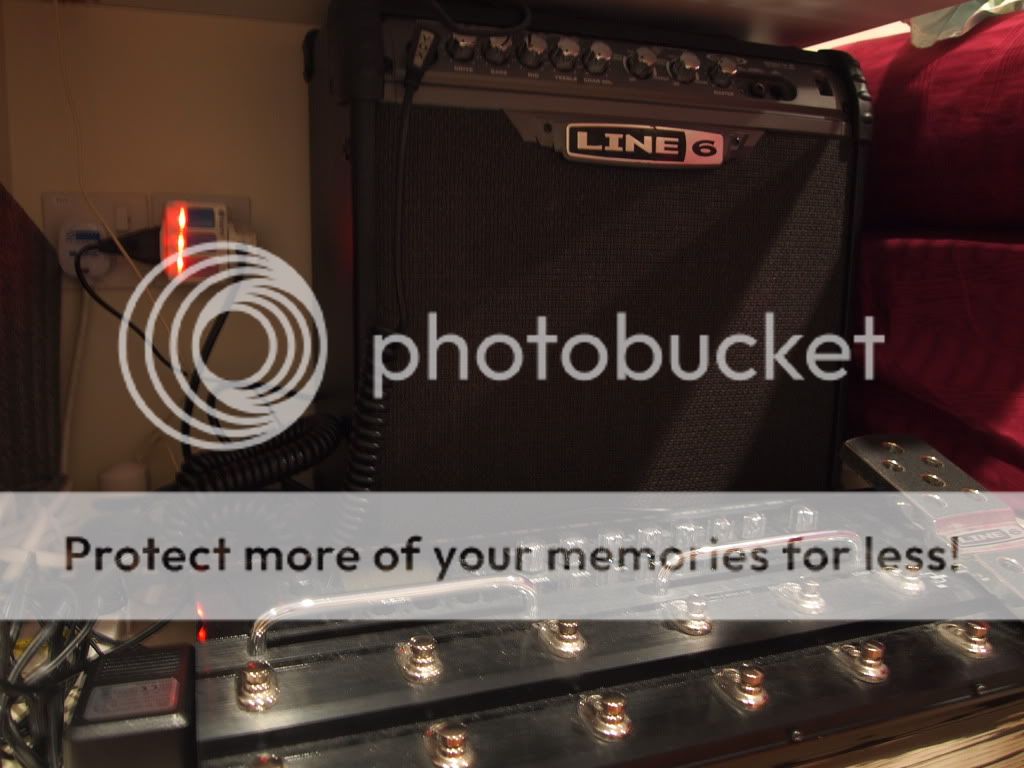
I moved my main pedalboard to clean that particular spot of the room (I do suppose my board is getting a little big if there's a substantial amount of floor that doesn't see the light of day). It happened to be in front of my practice rig consisting of my Line 6 gear: the PODX3 and the Spider III.
"Hey, since everything's together, how would it sound if I hooked it all up?"
Yeap. Pedalboard into PODX3 into Spider III. I set the POD like a rack, with the amp/speaker sim on minimal EQ, modulation and delay on post.
I'll be honest: it wasn't impressive. Maybe my signal chain was too long and caused signal degradation, or the digital tone of the PODX3 and the lack of tubes in the Spider III really don't blend well with analog pedals. After some (rather dissatisfying) tweaking, I gathered that the best tone was to turn the amp sim completely off, flatten the EQ on the amp, and rely on the pedalboard as the main preamp and EQ.
Maybe I could improve the tone by:
Using better cables (I'm notorious for using cheapo, lao-pok cables), and having a clean buffer in the front of the chain to push the signal through all that mess. Some of friends insist on Lava and Monster cables, which can cost nearly as much as the pedalboard when used liberally.
In the digital domain, ditch the Line 6 PODX3, which you have to admit is rather inexpensive compared to what the pros use, and go with a rack setup of the Axe FX by Fractal Audio (two of my favorite musicians, Dave Wallimann and Pete Thorn, use this setup almost exclusively). The modern digital has come a long way in a rather short space of time
I'll stick to my analog pedalboard, with my PODX3 as a backup and the "studio rack" for additional effects. You've got to admit, despite all the flak Line 6 receives for its inferior digital amp sim, when you apply its modulation and delay effects in the mix, no one can tell it's Line 6.
I was a devout multi-fx user for a great bulk of my life as a guitarist. I figured that it was possible to get by with emulation
While the stock tones were usable in only certain situations, they were nowhere near as organic as what the PODX3 clips were suggesting through my guitars (I suppose that's the beauty of having access to expensive guitars and paying sound engineers to post-process your clips).
Alas, we must work-around the problem at hand. Here are three of my biggest tips for PODX3 users:
Patches for live should be different from patches used to record
You have 128 patch locations at your disposal. Surely you can spare some for various situations. For playing live, I'd get rid of the reverb, tweak the EQ in the midrange to get the guitar to cut through, and generally don't use too much high gain tones because it just gets muddy when mixed together with the rest of the band.
Different guitars need different patches
The problem with digital is that all the nuances accompanying your guitar get lost; every guitar starts to sound the same, just with differing levels of drive, spank and twang (I'm grossly generalizing the differences between a Les Paul, a Strat and a Tele, by the way). I've had to specifically dial in tones that accentuate the nuances, quite unlike my analog rig where most of my pedals are transparent, allowing the character of the guitars to shine through even on the same settings.
A 4x12" cab sim sounds great recorded, but it's going to be boomy and muddy live
The sound guys will be immensely happy if you helped them focus your sound to the mids where the guitar's voice predominantly is, instead of having the big, large and full-range tone that the 4x12" cab sims try to emulate.
And for those who asked: My top 4 most used tones to date which work best for live situations straight into a PA using a humbucking guitar that has a coil split.
For further reading: Benvesco's Blog (The person who taught me a lot about tweaking the POD) 089Ray's Blog (This person has spent many hours tweaking, and he's got a great ear. Check it out!)